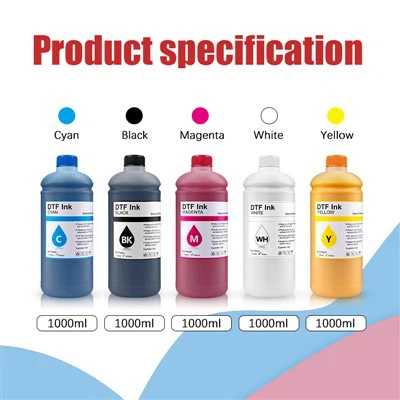
Cleaning the printed materials after using DTF ink for the Epson L1800 is a crucial step to ensure the longevity of your prints and the proper functioning of your printing equipment. As a supplier of DTF ink for the Epson L1800, I understand the importance of this process and am here to guide you through it.
Understanding DTF Ink and Its Residue
DTF (Direct to Film) ink is a specialized type of ink used for transferring designs onto various surfaces. When used with the Epson L1800, it creates high - quality prints. However, after the printing process, there can be residual ink on the printed materials, which may affect the final appearance and durability of the print if not cleaned properly.
The residue can come from excess ink that didn't fully transfer during the heat - pressing process or from ink that has dried on the edges of the printed area. It's important to note that DTF ink is water - based, which means it can be removed with the right cleaning methods.
Preparation for Cleaning
Before you start cleaning the printed materials, gather the necessary supplies. You will need a soft, lint - free cloth, mild detergent, and lukewarm water. Avoid using harsh chemicals or abrasive materials as they can damage the print.
First, let the printed material cool down completely. Hot materials can be more prone to damage during the cleaning process. Place the printed item on a flat, clean surface where you can work comfortably.
Cleaning Process
- Initial Wiping
Start by gently wiping the printed material with a dry, soft cloth to remove any loose debris or dust. This step helps prevent scratching the print during the wet cleaning process. - Dilute the Detergent
Mix a small amount of mild detergent with lukewarm water in a container. The ratio should be about one teaspoon of detergent per cup of water. Stir the solution gently until the detergent is fully dissolved. - Wet Cleaning
Dip the soft cloth into the diluted detergent solution. Wring out the cloth so that it is damp, not soaking wet. Gently wipe the printed area in a circular motion. Be careful not to apply too much pressure, as this can cause the ink to smear.
For stubborn stains or areas with more ink residue, you can let the damp cloth sit on the stain for a few minutes to allow the detergent to break down the ink. - Rinsing
After cleaning, rinse the cloth thoroughly in clean water. Then, use the clean, damp cloth to wipe away the detergent residue from the printed material. Make sure to remove all traces of the detergent, as it can leave a sticky residue if not removed properly. - Drying
Pat the printed material dry with a clean, dry cloth. You can also let it air - dry in a well - ventilated area. Avoid using a hair dryer or other heat sources, as this can cause the ink to crack or peel.
Special Considerations for Different Materials
The cleaning process may vary depending on the type of material the print is on.
- Fabric
If the print is on fabric, you can also wash the item in a washing machine on a gentle cycle with mild detergent. However, always check the fabric's care instructions first. Some fabrics may require hand - washing. - Plastic or Vinyl
For prints on plastic or vinyl, be extra careful when cleaning. These materials can be more sensitive to scratches. Use a very gentle touch and avoid using any abrasive cleaners.
Maintaining Your Printing Equipment
Cleaning the printed materials is not only about the final product but also about the well - being of your Epson L1800 printer. Regularly cleaning the printer heads and other components can prevent ink clogs and ensure consistent print quality.
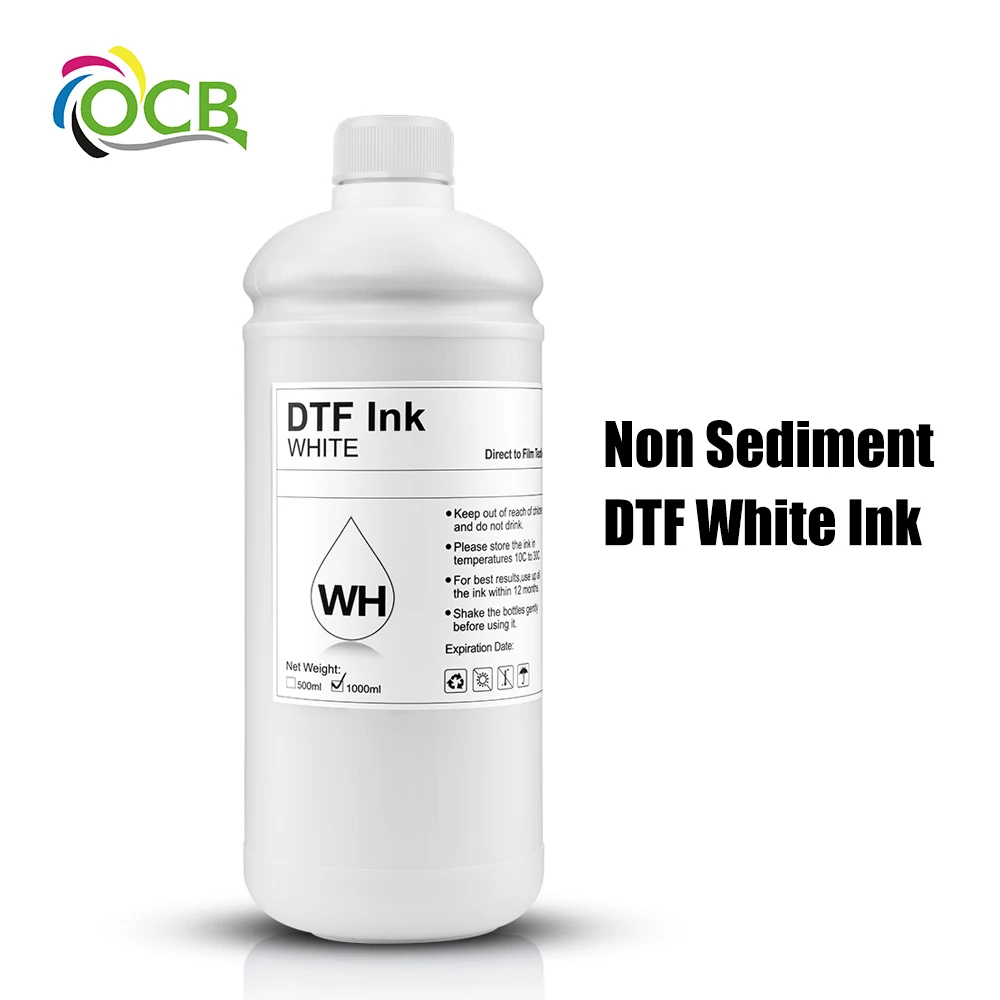
As a supplier, I offer a range of high - quality DTF inks that are designed to work seamlessly with the Epson L1800. Our 250ml DTF Ink For Epson 1390 i3200 4720 is a popular choice among customers. It provides vibrant colors and excellent adhesion. Our DTF Transfer Ink is also formulated to ensure smooth printing and easy transfer. And for those who need a larger quantity, our High Quality 1000Ml Megaprint Dtf Printing Ink Heat Transfer is an ideal option.
Conclusion
Properly cleaning the printed materials after using DTF ink for the Epson L1800 is essential for maintaining the quality of your prints. By following the steps outlined above, you can ensure that your prints look their best and last longer.
If you are interested in purchasing DTF ink for your Epson L1800, we are here to assist you. Contact us for more information and to discuss your specific requirements. We are committed to providing you with the best products and services to meet your printing needs.
References
- "Guide to DTF Printing", Printing Industry Journal
- "Epson L1800 User Manual", Epson Corporation