HP 920 4-Color Remanufactured Printhead (CN643A): Restoring High-Yield Office Productivity & A3 Tabloid Output for HP OfficeJet 6000, 6500, 7000 & 7500 Series

By Desktop & Commercial Printhead Engineering Team | Published for Office Equipment Technicians & Wholesalers
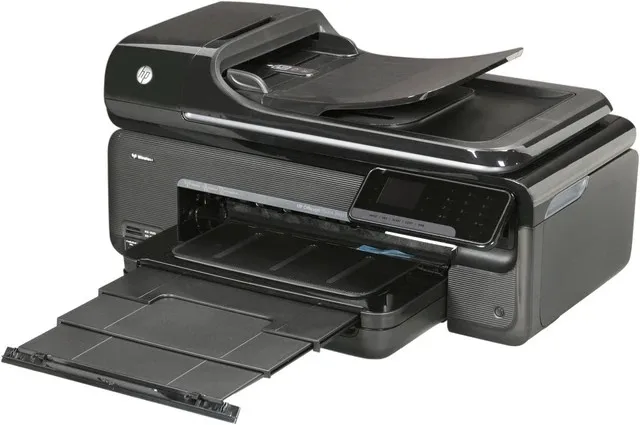
Across commercial offices, accounting departments, law firms, and architectural studios, the HP OfficeJet 6000, 6500, 6500A desktop series, and OfficeJet 7000 / 7500A Wide-Format (13" x 19" / A3+) All-in-Ones remain celebrated for their fast duplex document output and low running costs.
However, after years of reliable service and millions of character prints, business operators face an unavoidable maintenance hurdle: printhead deterioration and EOL (End-of-Life) OEM parts scarcity.
Because genuine OEM HP 920 printheads are officially discontinued or inflated to over $100+ each, businesses frequently face critical operational downtime:
Critical Hardware Errors: Constant prompts such as "The printhead appears to be missing, not detected, or incorrectly installed" or "Ink System Failure".
Permanent Black Text Dropout: Dried pigment ink micro-crystallizes in the large Black nozzle channel, resulting in blank pages on legal contracts, invoices, and shipping labels.
Severe Color Banding on A3 Marketing Flyers: Inconsistent cyan, magenta, and yellow ink delivery ruins wide-format spreadsheets and promotional presentation boards.
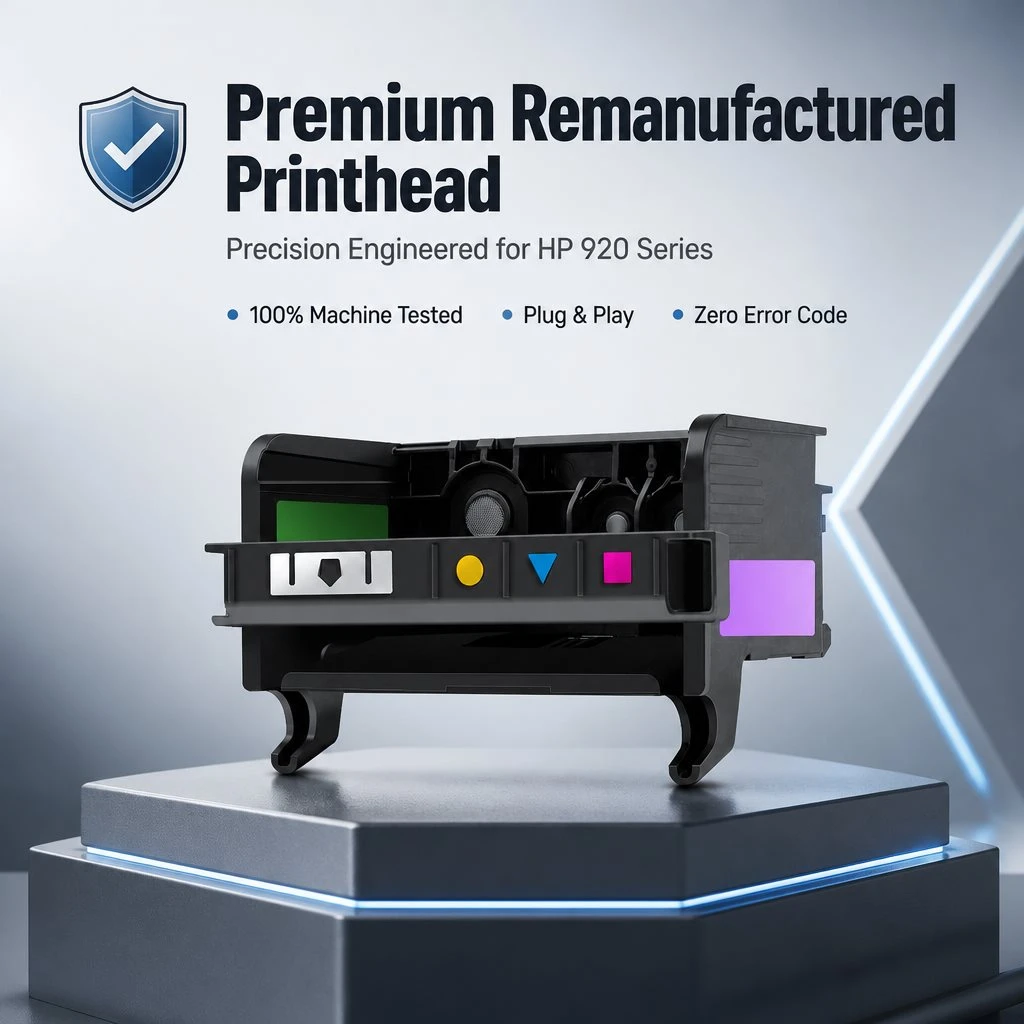
The Engineered Solution: Ocbestjet HP 920 4-Color Remanufactured Printhead
To provide a high-reliability, plug-and-play replacement for discontinued OEM units, Ocbestjet manufactures the HP 920 (CN643A / CD868-30001) Remanufactured 4-Color Printhead Assembly, packaged in a rigid, dust-proof Transparent Plastic Clamshell Box .
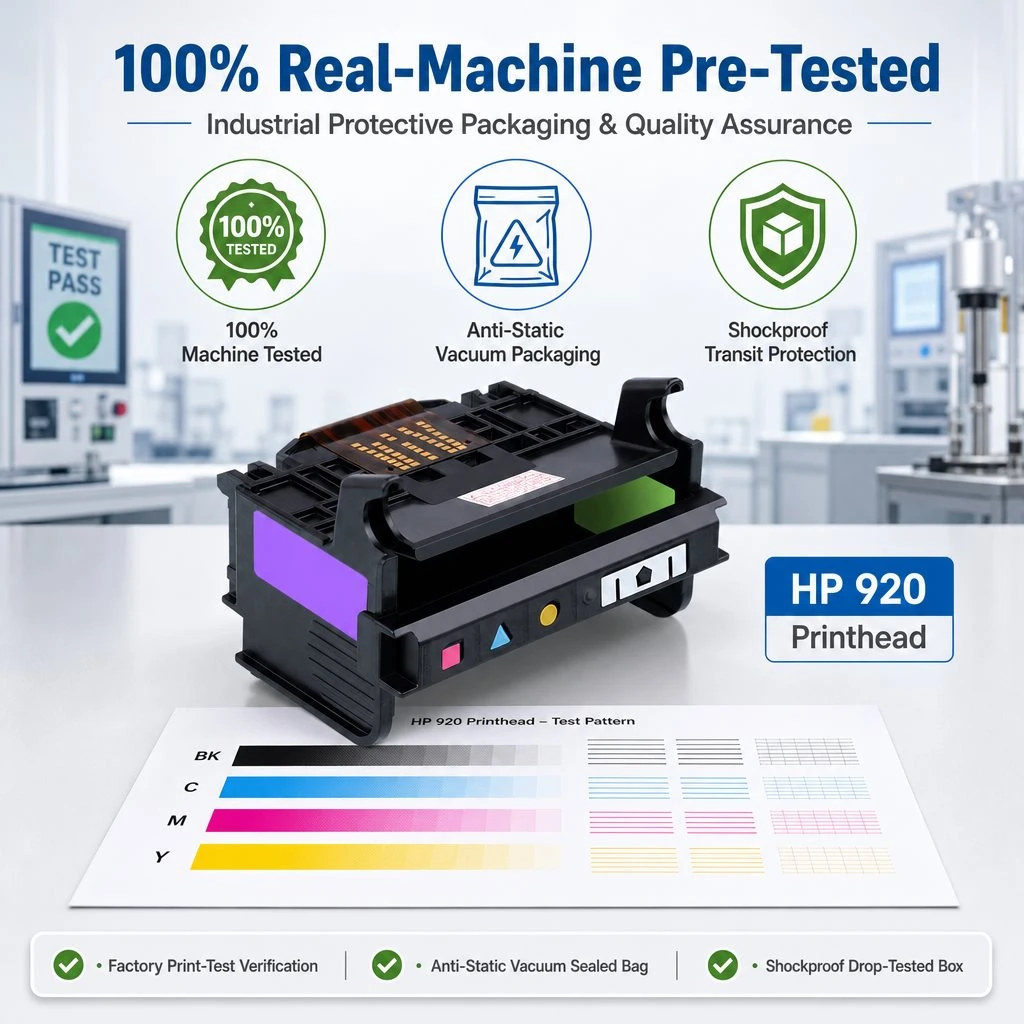
Every unit undergoes multi-stage ultrasonic internal channel descaling, circuit impedance reconditioning, and 100% on-chassis diagnostic test printing before final packaging.
Key Engineering & Quality Advantages
1. Ultrasonic Descaling & Fluidic Restoration
Unlike superficial cosmetic cleaning, our remanufacturing protocol purges all legacy pigment residues using temperature-controlled ultrasonic cavitation. Both the high-volume pigment Black chamber and the dye color channels are fully flushed and primed with non-drying transport fluid.
2. Electronic Flex-Circuit & Gold Contact Reconditioning
Printhead recognition errors occur when oxidation or ink buildup disrupts the electrical contact points. Ocbestjet thoroughly polishes and re-aligns every gold-plated terminal, ensuring instantaneous signal synchronization with HP OfficeJet logic boards.
3. Protective Transparent Plastic Clamshell Casing
Each printhead is locked with a rubber-sealed silicone nozzle clip and encased in a durable Transparent Plastic Box . This design provides:
Visual Inspection: Dealers can verify nozzle face cleanliness and contact integrity without breaking the seal.
Impact & Dust Protection: Safeguards delicate micro-piezo nozzle plates during international air and sea transit.
Customer Application Scenarios
Commercial Accounting & Legal Document Center
Equipment Fleet: 4x HP OfficeJet 6500A e-All-in-One Printers
Problem: Printers displayed intermittent "Ink System Failure" errors and severe vertical white streaks across high-volume tax invoices and client contracts.
Solution & Value: Replaced failing printheads with Ocbestjet HP 920 remanufactured units in transparent cases. Resolved all error prompts immediately, restoring crisp, laser-sharp black text and saving over $400 in replacement printer procurement.
Frequently Asked Questions (FAQ)
Q1: How do I install the printhead to avoid 'Printhead Missing' errors?
Ensure the printer carriage is powered off properly before removing the old printhead. Gently clean the internal carriage contact pins with an alcohol swab, install the new HP 920 printhead firmly into the slot, lock the latch lever, and install fresh ink cartridges.
Q2: Does this printhead work with both standard HP 920 and high-yield HP 920XL cartridges?
Yes! The physical slot dimensions and ink pickup needles are fully compatible with both standard 920 and high-capacity 920XL ink cartridges.
Q3: What are the sample testing and wholesale terms for repair shops?
We support sample trial orders starting from 1 piece for quality and alignment inspection. Wholesale volume discounts and palletized logistics are available for spare parts wholesalers and printer repair chains.
Revive Your HP OfficeJet Equipment Today